IN THIS ARTICLE
Subscribe to Our Newsletter

What are they saying about your Business and You? Approach a monitoring solution for your brand, business and person by running Google Alerts and Google Realtime. These services allow you to personally monitor your web presence. Not interested in a brand or business? Use Google Alerts and Real time to watch trending topics like Obama.
Step 1: Go to
Google Alerts
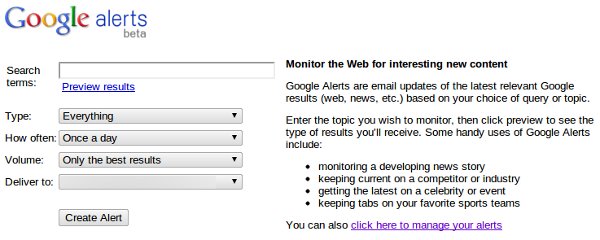
Step 2: Type Business Name
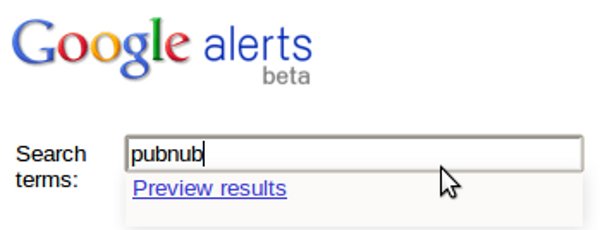
Now type the search term you are interested in. For example, type “pubnub”, then click “Search”.
Step 3: Notification Frequency

Select how often notifications should be delivered to your inbox.
Step 4: Volume of Results

Select the volume of results, This is the quality level of results.
Step 5: Pick your Email

Select the email address which will receive the notifications.
Step 6: Automatic Email Notifications
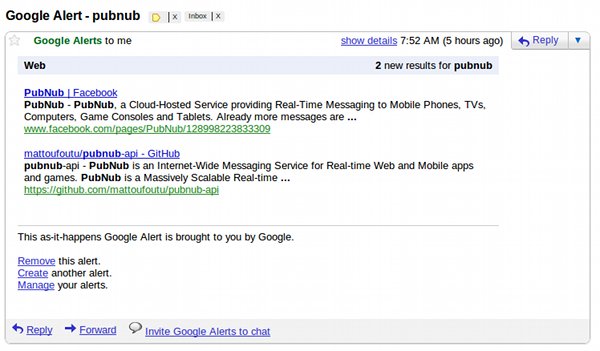
Your done! Automatically emails will be sent to you when your brand is mentioned somewhere on the web. Try the next tool for even faster results including Tweets.
Step 1: Go to Google Realtime
Step 2: Type your Search
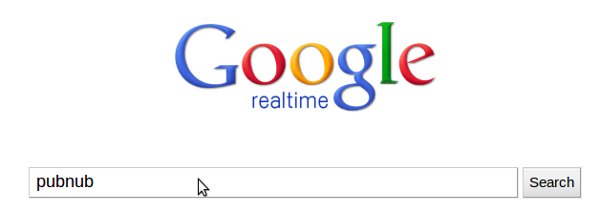
What do you want to see results from? For example, type “pubnub”, then click “Search”.
Step 3: Sit and Watch
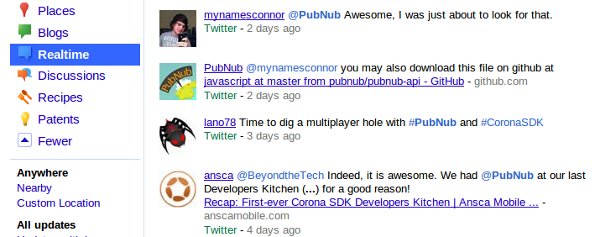
Your done! Note that this isn’t a normal results page. New results will appear on the screen somewhat instantly as they are published on the web. You are armed with a full listing of Social and Web search results, updated and pushed to you as they happen.

Building a HIPAA-compliant App